
Eligible users may access FairPlay through an official Android APK, a compatible mobile browser, or an iOS home-screen web app. Users should check regional availability, age requirements, and applicable local rules before using the platform.
FairPlay App Download for Android and iOS
The FairPlay app allows Indian users to access the platform from a compatible mobile device. A single account provides access to sports betting, online casino games, live-dealer tables, crash games, payments, transaction history, and account settings.
Android users may be able to download and install the latest APK from the platform’s verified website. If a native iOS app is unavailable, iPhone and iPad users can open the mobile platform in Safari and add a shortcut to their home screen.
Users should avoid unofficial download links and third-party APK websites. Before installing or accessing the app, check the latest device compatibility, permissions, account requirements, and regional availability.

An Introduction to the FairPlay Mobile App
The FairPlay app provides registered users with mobile-friendly access to supported platform services. Using one account, eligible users may explore sports markets, casino categories, payment tools, betting records, and profile settings from compatible Android and iOS devices.
Existing users can access the mobile platform with the same FairPlay ID and password used on a desktop browser. Depending on the device, account, and current platform version, available features may include:
- Pre-match and in-play markets for supported sports and events
- Back and lay options on selected sports-exchange markets
- Slots, blackjack, roulette, baccarat, and other casino titles
- Supported live-dealer tables with real-time video streaming
- Crash games and additional short-format instant games
- A mobile bet slip for reviewing selections, stakes, and odds
- Wallet balances, payment history, and account transactions
- Available deposit and withdrawal methods for eligible accounts
- Profile settings, verification options, and customer assistance
A Mobile-Friendly Platform Experience
FairPlay’s mobile layout is designed for touchscreen navigation on smaller displays. Sports categories, live events, casino games, wallet controls, account settings, and support options are arranged to keep frequently used features easy to find.
During supported live events, users may follow changing odds, open available markets, manage their bet slip, and review account activity without returning to a desktop device. Casino sections may also be opened through the same interface, so a separate application is not normally required for each game.
Android and iOS Access
Android users may be offered an official APK installation option, while iPhone and iPad users may access FairPlay through Safari or add the supported web application to their home screen. Users should always follow the current instructions displayed on the official website and avoid copied applications or unverified third-party download pages.
FairPlay Mobile Access and App Details
FairPlay may provide different mobile-access options for Android phones, iPhones, and iPads. Android users may be able to install an official APK file, while iOS users can access the mobile platform through Safari or add a supported Progressive Web App to their home screen.
Both access methods connect to the same registered FairPlay account. Users can sign in with their existing details and may be able to open sports markets, casino categories, wallet services, betting records, and account settings without creating a separate mobile profile.
Mobile-browser access can be useful for users who do not want to install additional software. An installed APK or home-screen web application may provide faster access for regular use, but the available functions can depend on the device, operating system, account status, and current platform version.
The table below compares the general Android and iOS access options. Users should confirm the latest compatibility and installation requirements on the official website before downloading anything:
| Mobile Feature | Android Access | iOS Access |
|---|---|---|
| Primary Access Method | Official APK or compatible mobile browser | Safari, PWA, or compatible mobile browser |
| Installation | APK installation may require temporary browser permission | PWA can be added through Safari’s Add to Home Screen option |
| Storage Requirement | Depends on the size of the current APK version | Normally uses limited device storage for the web shortcut |
| Device Compatibility | A supported Android version and compatible device are required | A supported iOS version and compatible browser are required |
| Platform Services | Sports, casino, wallet, and account tools where available | Sports, casino, wallet, and account tools where available |
| Supported Languages | English, Hindi, and other languages where provided | English, Hindi, and other languages where provided |
| INR Wallet Access | May be available for eligible registered accounts | May be available for eligible registered accounts |
| Login Requirement | Existing account details or completed registration required | Existing account details or completed registration required |
| Updates | New APK versions may need to be installed manually | Web-based updates generally load through the browser |
| Recommended Source | Download only through the verified FairPlay website | Install or access only through the verified FairPlay website |
FairPlay App vs Mobile Browser: Key Differences
The FairPlay app is suitable for users who want quick and convenient access from a mobile device. It opens directly from the home screen and may offer smoother navigation and performance on supported Android and iOS devices.
Regular users may prefer the app for faster login options, account notifications, and convenient access during cricket, IPL, and other live events. Users who prefer not to install an application can access the same platform through a compatible mobile browser.
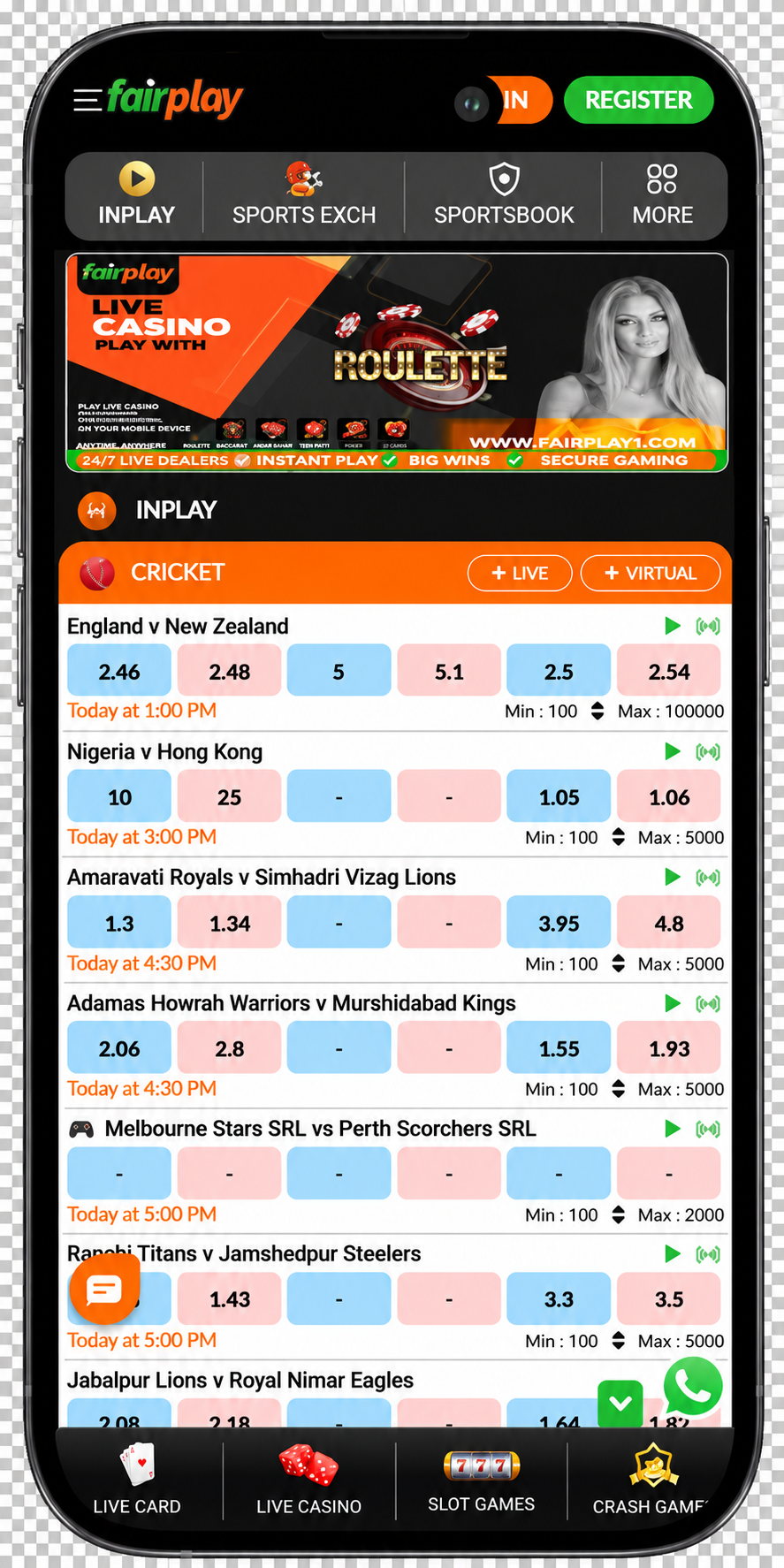
Both options use the same FairPlay account and provide access to supported sports, casino games, payments, and account settings. The main differences involve installation, performance, notifications, storage usage, updates, and device compatibility, as shown in the comparison table below.



What Players Can Do in the App
The FairPlay app integrates all platform services. Gamblers have access to sports betting, casinos, live tables, crash games, and payment functions. One account and one virtual wallet are used across all sections to facilitate easy switching.
Create an account on FairplaySportsbook and Live Markets on Mobile
The FairPlay mobile sportsbook may give eligible users access to pre-match and live markets for cricket, IPL, football, tennis, kabaddi, basketball, and other supported sports. Upcoming fixtures, current prices, and available market details can be reviewed directly from a compatible mobile device.
Mobile access can be particularly convenient during fast-moving live events. Odds and market availability may change after wickets, goals, points, or other important moments. Depending on the event and account, users may be able to:
- Browse upcoming fixtures and currently available live events
- Compare displayed prices across supported betting markets
- Add one or more available selections to the mobile bet slip
- Enter a stake and review the potential return before confirming
- Check whether a selection is pending, matched, settled, or cancelled
- Review previous selections through the account’s betting history
- Use a cash-out option when it is available for an eligible bet
Casino, Live Dealer, and Instant Games
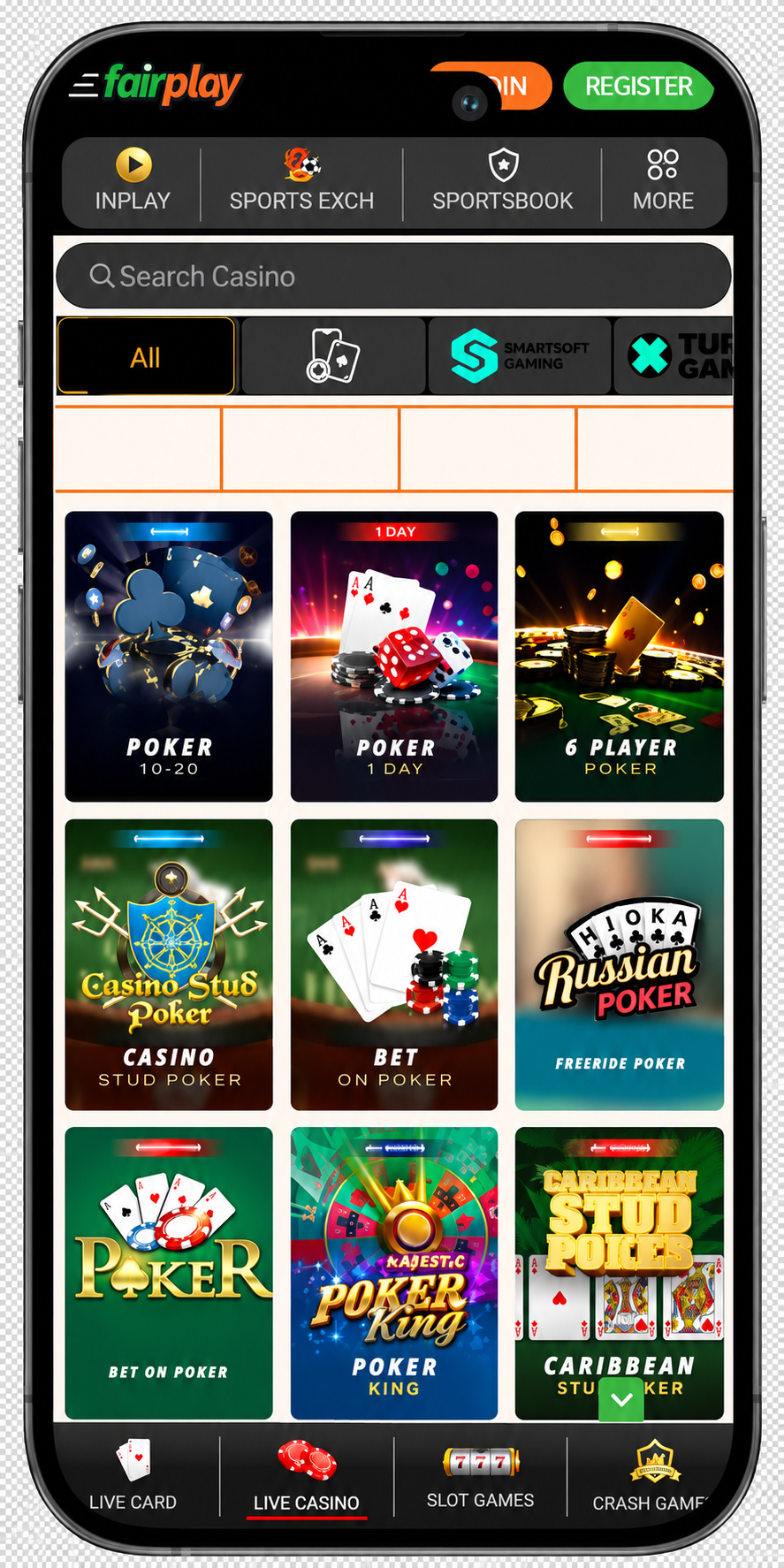
The FairPlay casino section may also be available through the same registered mobile account. Users can move between slots, RNG table games, live dealer rooms, Indian card games, and instant titles without installing a separate application for each game.
Selected games may include a demo option depending on the provider and current platform settings. When available, demo play can help users understand the controls, paytable, rules, and special features without using a real-money balance.
Mobile casino categories may include:
- Online Slots. Classic reels and modern video slots with different paylines, themes, volatility levels, and bonus mechanics.
- RNG Table Games. Automated versions of blackjack, roulette, baccarat, poker, and other supported casino games.
- Live Dealer Tables. Real-time streamed roulette, blackjack, baccarat, Teen Patti, and other games where available.
- Indian Card Games. Supported versions of Teen Patti, Andar Bahar, and Dragon Tiger designed for mobile screens.
- Crash Games. Fast multiplier-based rounds in which users decide when to cash out before the round ends.
- Instant Games. Short-format titles with simple touchscreen controls and quick result cycles.
Live Casino
The FairPlay mobile app may offer live-dealer casino games with real-time video streaming and built-in betting controls. Its interface displays the live table and betting panel together, allowing users to watch the action and place or manage bets from one screen.
A stable internet connection is recommended for uninterrupted gameplay. Wi-Fi generally provides a more consistent experience, but a reliable mobile-data connection may also work well. Users should avoid switching networks during an active round because doing so could disrupt the video stream or betting process.
Available live casino games may include:
- Roulette: Auto Roulette, Speed Roulette, and European Roulette.
- Blackjack: Lightning Blackjack and Classic Blackjack.
- Baccarat: No Commission Baccarat and Speed Baccarat.
- Indian card games: Teen Patti, Andar Bahar, and Dragon Tiger.
Game selection, table limits, streaming quality, and overall performance may vary depending on the provider, device, internet connection, and region.
Deposits and Withdrawals
The FairPlay mobile app may allow users to manage deposits and withdrawals in Indian rupees through the account cashier. Deposits are usually processed quickly, while withdrawals may require additional time depending on the selected payment method, KYC status, and any account or security checks.
Before completing a transaction, users should visit the Payments section to review the available payment methods, transaction limits, applicable fees, estimated processing times, and withdrawal conditions.
Supported payment options may include:
- UPI
- Paytm
- PhonePe
- Net banking
- Debit and credit cards
- Selected cryptocurrencies
Users should ensure that their payment information matches the details registered and verified on their accounts. Payment availability, limits, and processing times may vary depending on the account, device, and location.
FairPlay Mobile Features for Indian Users
The FairPlay mobile platform may provide eligible Indian users with convenient access to sports, casino, wallet, and account services from compatible smartphones and tablets. Available features can vary according to the user’s device, account status, region, and current platform support.
- Indian rupee wallet. Eligible accounts may display balances, deposits, withdrawals, betting activity, and transaction records directly in INR.
- Familiar payment options. The mobile cashier may support UPI, Paytm, PhonePe, Google Pay, net banking, payment cards, and selected cryptocurrencies.
- Cricket and IPL coverage. Users may browse pre-match and live markets for IPL, international cricket, domestic tournaments, T20 leagues, ODIs, and Test matches.
- More sports on mobile. Available categories may include football, tennis, kabaddi, basketball, racing, esports, and other currently supported competitions.
- Live market updates. Prices and available selections may update during a match as the score, time, wickets, runs, goals, and other event conditions change.
- Casino and live games. Registered users may access supported slots, table games, crash titles, Teen Patti, Andar Bahar, and live-dealer rooms from one mobile account.
- Mobile bet-slip controls. Users may add selections, enter a stake, review the displayed odds and potential return, and confirm available bets from the same interface.
- Account activity alerts. Supported notifications may provide updates about transactions, account access, selected promotions, events, or service announcements.
- Language preferences. English, Hindi, and additional language choices may be offered depending on the current version and platform configuration.
- Mobile customer assistance. Official support options may help users with login access, verification, deposits, withdrawals, and technical issues.
How to Download the FairPlay App on Android
Android users may download the latest FairPlay APK from the platform’s official website. The installation file is approximately 21–22 MB and may work on devices running Android 5.0 or later. Compatibility can vary depending on the device model, operating system, and app version.
Users should avoid unofficial download pages, copied APK files, and unverified third-party sources. Downloading the application may be free, but participating with real money requires users to add funds to their accounts.
Follow these steps to install the FairPlay APK:
- Visit the official website: Open the FairPlay website on your Android device.
- Choose Download: Open the main menu and tap the Download option.
- Download the APK: Wait for the installation file to download completely.
- Allow installation: If Android blocks the installation, temporarily allow apps from the browser you used.
- Install the application: Open your browser’s downloads section, select the APK, and follow the on-screen instructions.
- Launch FairPlay: Open the application from your home screen or app drawer.
- Log in or register: Access your existing account or complete the registration process.
After installation, turn off the Install unknown apps permission for your browser. Always confirm that the APK came from the official source and review the requested permissions before opening the application.


How to Install the FairPlay App on iOS
FairPlay may be available on iPhones and iPads as a Progressive Web App (PWA). This lightweight version can be added directly to the home screen through Safari without downloading it from the App Store. A stable internet connection is recommended during installation, and the PWA may support devices running iOS 12.0 or later.
Users can access the PWA with the same FairPlay account used on other supported devices. Follow these steps to install it:
- Open the official website: Visit the FairPlay homepage in Safari on your iPhone or iPad.
- Open the installation option: Select the installation notification if one appears. Otherwise, tap Safari’s Share button.
- Add it to the home screen: Choose Add to Home Screen, check the displayed name, and tap Add.
- Launch FairPlay: Open the platform using the icon added to your device’s home screen.
The PWA’s availability and features may vary depending on the device, iOS version, account, and region.
FairPlay App Frequently Asked Questions
Check the official FairPlay App page for the current Android installation option. Avoid copied APK files, modified applications, download mirrors, and links shared by unknown third parties.
Confirm that the file downloaded completely, the device has enough storage, and the Android version is compatible. If required, temporarily permit installation from the browser used for downloading, then disable that permission after installation.
Mobile services may include sports betting, exchange markets, slots, live casino tables, crash games, wallet tools, deposits, withdrawals, transaction records, promotions, and account settings. Availability depends on the account and platform version.
Yes. Existing users can generally sign in with the same FairPlay ID and password used on the desktop platform. OTP or additional account verification may be requested when a new device is used.
iPhone and iPad users may access the platform through Safari or install a supported Progressive Web App using Add to Home Screen. The current iOS instructions should be checked on the official FairPlay website.