How to Deposit Using UPI
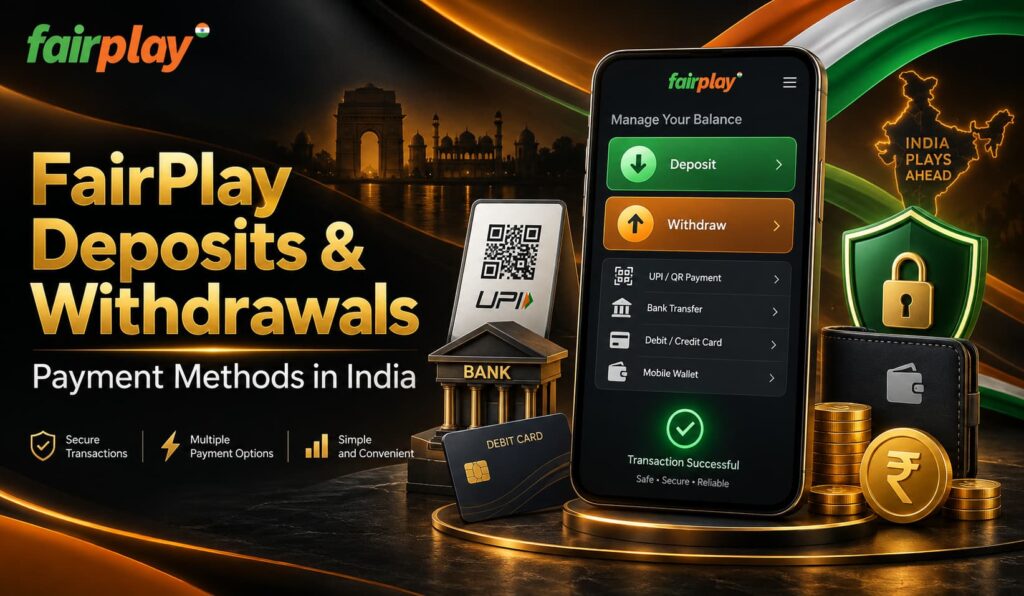
UPI is one of the simplest ways to add funds to a FairPlay account.
Players can use supported UPI services such as Google Pay, PhonePe,
BHIM or Paytm. Choose UPI from the deposit section, enter the amount
you want to add and provide a valid UPI ID.
Depending on the payment flow, a QR code may also appear on the
screen. Open your UPI application to approve the transaction and
enter your UPI PIN only on the secure payment screen provided by
your UPI service.
Once the payment is successfully confirmed, UPI deposits are
usually credited quickly to the FairPlay balance, making this a
convenient choice for everyday deposits.
How to Deposit by Bank Transfer
Players who prefer using their bank account directly can choose
the bank transfer option. Open the FairPlay deposit section,
select bank transfer and choose the appropriate bank from the
options displayed on the payment screen.
Follow the instructions provided by the bank, check the payment
information carefully and authorize the transfer through the
secure banking page. It may take a few minutes for a successful
bank transfer to appear in the account balance.
Bank transfers can also be useful when making larger deposits,
although the amount must remain within the minimum and maximum
limits currently shown in the FairPlay payment section.
How to Deposit With Cryptocurrency
Cryptocurrency may be offered as an alternative to traditional
FairPlay deposit methods. Select an available digital asset, such
as Bitcoin or USDT, and carefully copy the wallet address provided
in the payment section.
Open your cryptocurrency wallet, enter the required amount and
confirm that the receiving address and selected network are correct
before sending the payment. The transaction must receive the
required blockchain confirmations before the funds are credited.
Cryptocurrency deposit times can vary depending on the selected
asset, blockchain network and current network activity. A separate
network fee may also be charged when the transaction is sent.